















High-quality customer service is a differentiator that builds customer trust and loyalty. An investment in a customer relationship management (CRM) system built on Microsoft Dynamics 365 helps you provide personalized and timely service that keeps your customers satisfied.
As a certified Microsoft Solutions Partner, Stoneridge Software specializes in customizing Dynamics 365 business solutions, tailoring them to your industry and needs. Microsoft Dynamics 365 is a suite of business solutions for enterprise resource planning (ERP) and CRM needs.
As a cloud-first solution, Dynamics 365 eliminates the need for on-site server rooms and all the maintenance that comes with them. The software-as-a-service delivery model makes Dynamics 365 easy to scale and keep up to date.
How Can Companies Benefit From Dynamics 365 Service Software?
The Dynamics 365 products specifically address customer service through these solutions: Dynamics 365 Customer Service and Dynamics 365 Field Service.

Microsoft Dynamics 365 Field Service
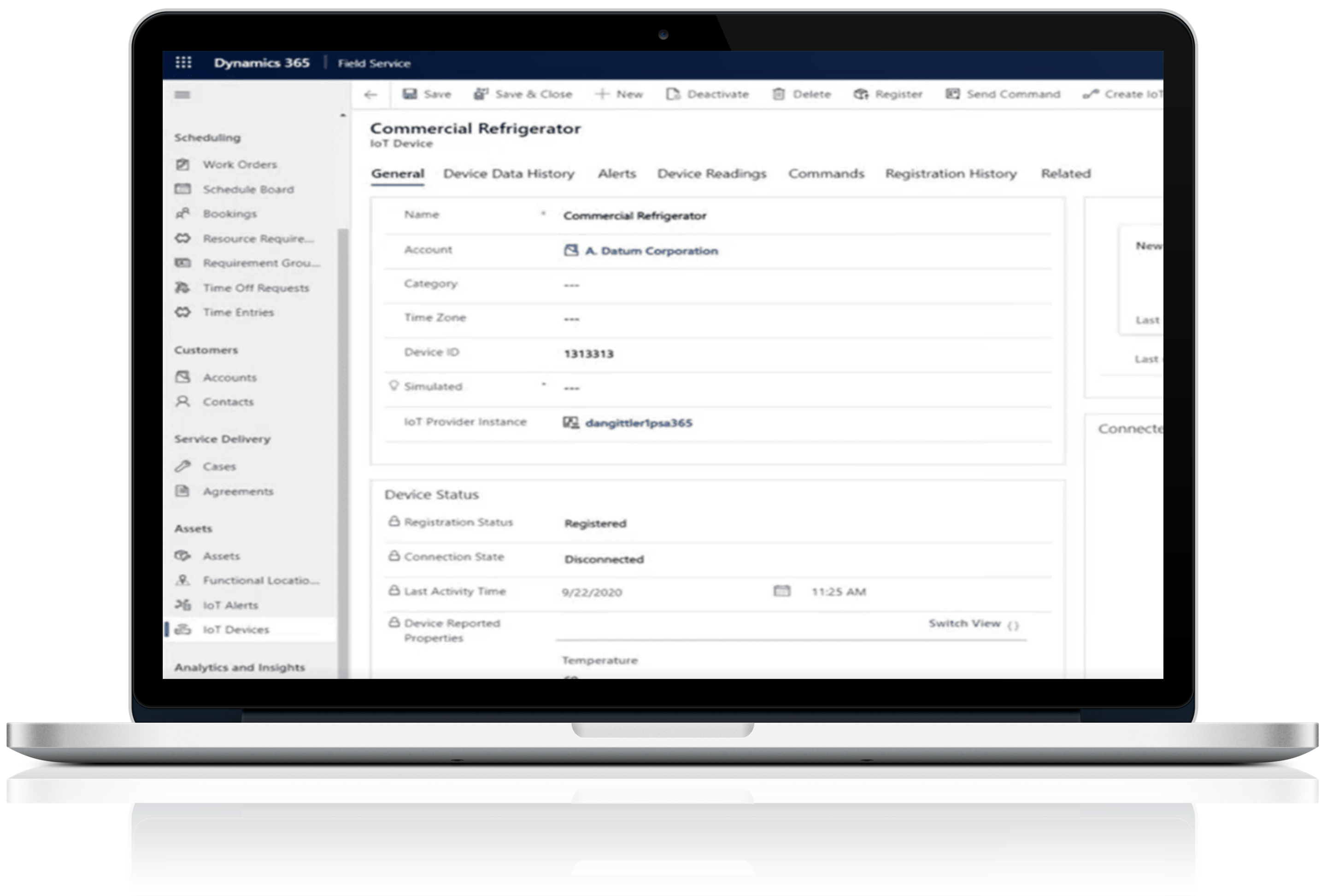
Microsoft Dynamics 365 Field Service helps you deliver next-level field service through extensive management and organizational capabilities and cutting-edge utilization of the Internet of things (IoT). Key features of Field Service include:
- Creation and management of work orders and inspections
- Management of service and billing accounts
- Service scheduling and dispatching
- Customer requests for and tracking of service
- A mobile app with everything your technicians need at their fingertips
- IoT monitoring of client technology, enabling proactive and preventive service
Like Dynamics 365 Customer Service, Field Service can be used as a standalone application or combined with other Dynamics 365 programs—like Sales, Marketing, and Customer Insights—for a comprehensive CRM solution.
Microsoft Dynamics 365 Business Central for Small and Medium-Sized Operations
Dynamics 365 Business Central provides comprehensive business operations functionality for small and medium-sized businesses.
Business Central operations-related functions include:
- Production planning
- Inventory management
- Project management
- Warehouse management
- Manufacturing
- Shipping
Business Central also covers other ERP-related areas like finance, accounting, budgeting, and asset management. Sales, relationship management, and service management components provide CRM tools.
Dynamics 365 Service Solutions From Stoneridge Software
Stoneridge specializes in creating tailored Dynamics 365 solutions for businesses like yours—and then providing training and support to ensure you get the most out of your system.
Visit the Customer Service and Field Service product pages to learn more.
Read the Latest from the Blog
Start the Conversation
It’s our mission to help clients win. We’d love to talk to you about the right business solutions to help you achieve your goals.